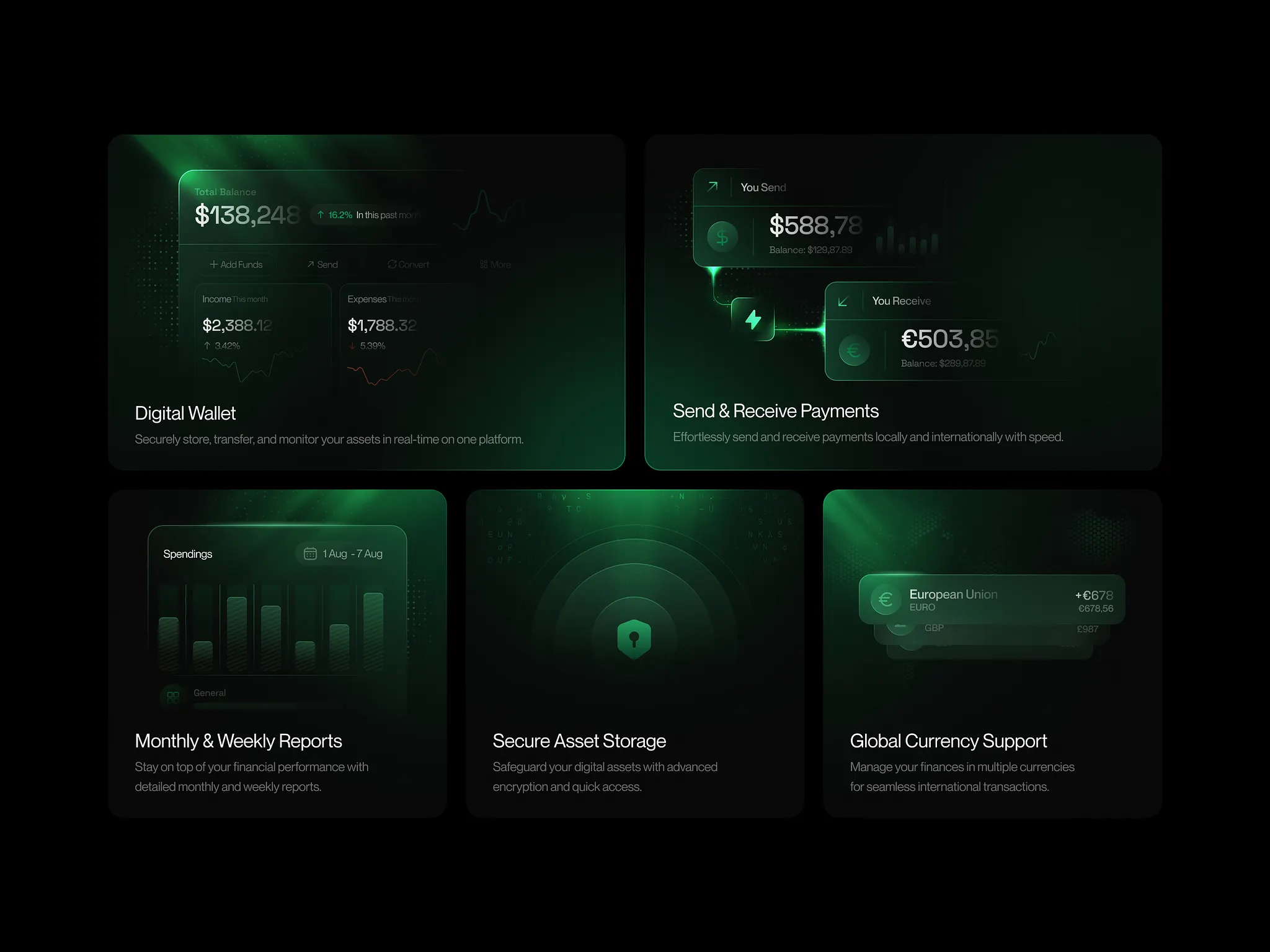
As we navigate through 2024, the landscape of UI/UX design continues to evolve rapidly. New technologies, user expectations, and design trends are reshaping how we create digital experiences. In this comprehensive guide, I'll share the latest best practices that will help you create exceptional user interfaces and experiences.
The Evolution of Design in 2024
This year has brought significant changes to the design world. We're seeing a shift towards more inclusive, accessible, and sustainable design practices. The focus is no longer just on aesthetics, but on creating meaningful experiences that serve real user needs.
1. Accessibility-First Design
Accessibility is no longer optional—it's a fundamental requirement. Designing with accessibility in mind from the start ensures your products can be used by everyone, regardless of their abilities.
Essential Accessibility Guidelines:
- Ensure sufficient color contrast ratios (4.5:1 for normal text)
- Provide alternative text for all images
- Design keyboard-navigable interfaces
- Use semantic HTML elements
- Test with screen readers and assistive technologies
2. Dark Mode and Theme Customization
Dark mode has become a standard expectation rather than a nice-to-have feature. Users expect the ability to customize their interface preferences, including theme selection and font size adjustments.
Implementation Best Practices:
- Provide both light and dark themes
- Remember user preferences across sessions
- Ensure all content is readable in both modes
- Consider system preferences as the default
3. Micro-Interactions and Animation
Subtle animations and micro-interactions can significantly enhance user experience when used thoughtfully. They provide feedback, guide user attention, and make interfaces feel more responsive and alive.
Animation Principles:
- Keep animations under 300ms for quick interactions
- Use easing functions for natural movement
- Provide meaningful feedback for user actions
- Respect user preferences for reduced motion
4. Mobile-First and Responsive Design
With mobile traffic continuing to dominate, mobile-first design is more important than ever. However, this doesn't mean desktop experiences should be neglected—they should be equally polished and optimized.
Responsive Design Checklist:
- Design for touch targets (minimum 44px)
- Optimize images for different screen sizes
- Test across various devices and orientations
- Consider thumb-friendly navigation patterns
5. Content Strategy and Information Architecture
Great design is meaningless without great content. The way information is organized and presented directly impacts user experience and task completion rates.
- Use clear, concise language
- Implement progressive disclosure
- Create scannable content with proper hierarchy
- Provide contextual help and guidance
6. Performance and Loading States
User attention spans are shorter than ever. Fast-loading interfaces with appropriate loading states can make the difference between user engagement and abandonment.
Performance Optimization:
- Optimize images and assets
- Implement skeleton screens for loading states
- Use progressive loading techniques
- Monitor and optimize Core Web Vitals
7. Data Visualization and Dashboard Design
As data becomes more central to applications, effective data visualization becomes crucial. Well-designed charts, graphs, and dashboards help users understand complex information quickly.
Data Visualization Best Practices:
- Choose appropriate chart types for your data
- Use consistent color schemes
- Provide interactive elements for exploration
- Include clear labels and legends
8. Voice and Conversational Interfaces
Voice interfaces and chatbots are becoming more sophisticated and user-friendly. Designing for these interactions requires a different approach than traditional GUI design.
9. Sustainability in Design
Environmental consciousness is influencing design decisions. Creating efficient, lightweight interfaces that consume less energy and resources is becoming a priority.
Sustainable Design Practices:
- Optimize for energy efficiency
- Reduce unnecessary animations and effects
- Design for longevity and updates
- Consider the environmental impact of design choices
10. User Testing and Iteration
No design is perfect from the start. Regular user testing and iteration based on real user feedback is essential for creating successful products.
- Conduct usability testing early and often
- Use A/B testing for design variations
- Gather both quantitative and qualitative data
- Iterate based on user feedback and behavior
Tools and Resources for 2024
Staying updated with the latest tools and resources is crucial for modern designers. Here are some essential tools for 2024:
- Design Tools: Figma, Sketch, Adobe XD
- Prototyping: Framer, Principle, ProtoPie
- User Research: Maze, UserTesting, Hotjar
- Accessibility: WAVE, axe DevTools, Color Oracle
Conclusion
The world of UI/UX design in 2024 is exciting and challenging. By focusing on accessibility, performance, user needs, and sustainable practices, we can create digital experiences that not only look great but also serve users effectively and responsibly.
Remember, the best designs are those that solve real problems for real people. Keep learning, testing, and iterating, and you'll create experiences that users love and remember.
What design trends and practices are you most excited about in 2024? I'd love to hear your thoughts and experiences!